Become a publisher
Create your publisher profile.
Before you can apply to programmes, you need a publisher profile. On this page you create it in a minute: a name, your country and optionally a website. Merchants see this profile next to every application you send.
In short:
- Confirm your e-mail address first.
- Your handle is part of every link and can't be changed.
- Your country decides which tax status you can choose for payouts.
- Create the profile from any programme page or at
cli.gs/dashboard/publisher.
Before you start
- Confirm your e-mail address. You can't create a profile until you've clicked the link in the confirmation e-mail. See Create your account.
- Check your handle. Your links have the form
cli.gs/@handle/…, and the handle can't be changed. If you're not happy with it, create the account again before you start sharing links. - Know your country. The country decides which tax status you can choose for payouts. See below.
Create the profile
There are two ways in:
- Open a programme in the marketplace and click Apply as a publisher. Without a profile you're taken to Become a publisher first. After saving, you're sent straight back to the application.
- Or open
cli.gs/dashboard/publisherdirectly. Without a profile it opens the same form.
Then:
- Enter a Display name (2 to 120 characters). Merchants see this name, so use your brand or site name if you have one.
- Choose your Country (ISO, e.g. DE).
- Optionally enter your Website, starting with
https://. - Tick the box to accept the terms of use if the form shows it. It appears when you haven't accepted the current terms yet, for example because you signed up with Google or GitHub.
- Click Create publisher profile.
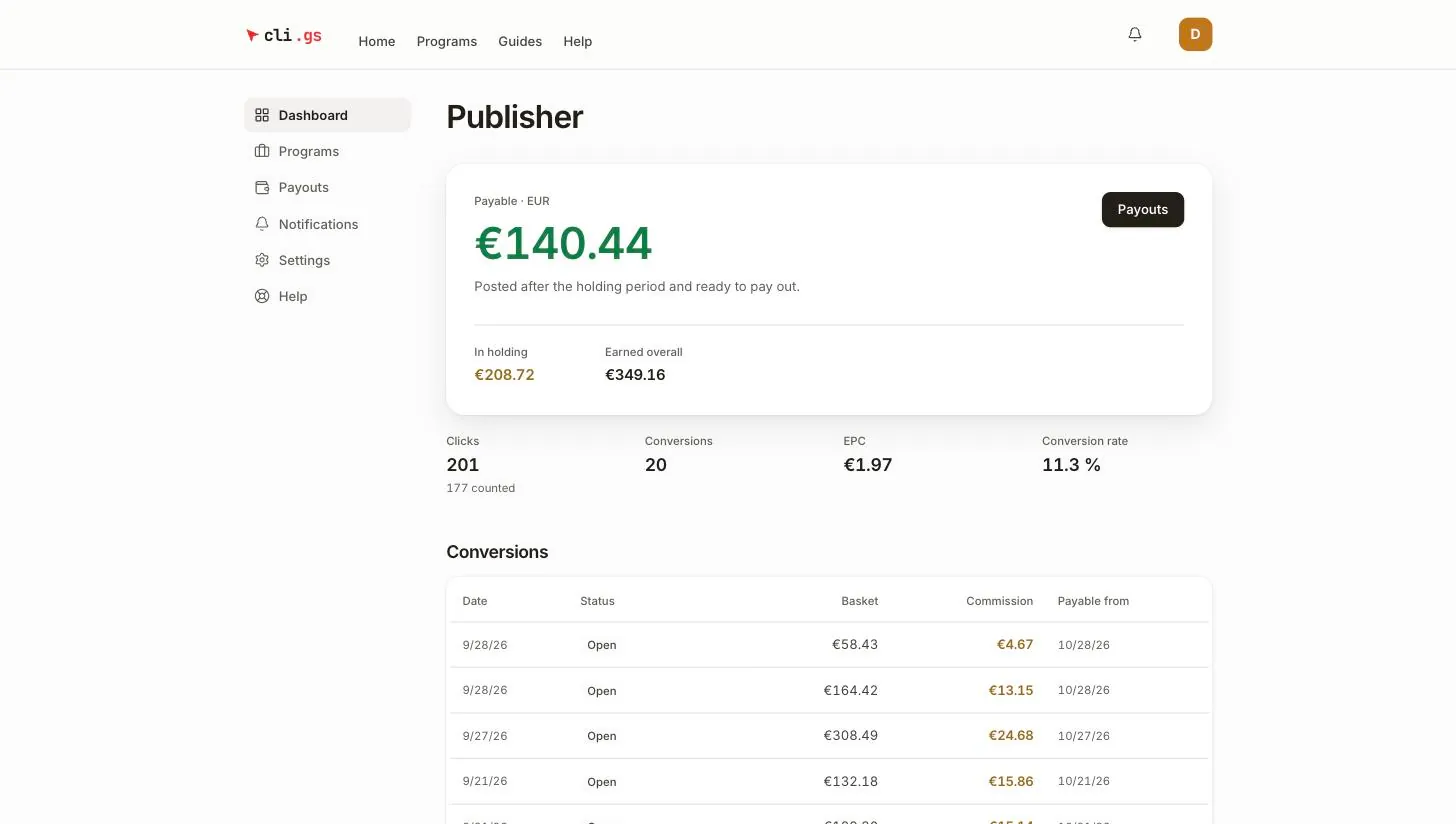
You now have a Publisher section in the side navigation with Dashboard, Programs and Payouts.
Edit your profile later
The profile stays editable. At the bottom of the publisher Dashboard, the Profile section shows the same fields. Change them and click Save profile. This profile is how merchants see you when you apply. Your legal name and address for payouts are not stored here. They belong in the tax profile under Payouts.
Why your country matters
Every payout comes with a credit note. That is the document cli.gs issues instead of you writing an invoice. Its tax wording depends on your tax status and country. At the moment, the tax profile offers three statuses:
| Tax status | Who it is for |
|---|---|
| Germany, charging VAT (19 %) | Businesses in Germany that charge VAT |
| Germany, small business (§ 19 UStG, no VAT) | German small businesses exempt from VAT |
| Outside the EU | Publishers based in a country outside the EU |
A German status requires the country DE in your profile. "Outside the EU" requires a non-EU country. The form refuses combinations that don't fit.
What's next
- Find programmes and apply
- Use your links
- Get paid: set up the tax profile, the self-billing agreement and Stripe early, so your first payout is not held up.