Become a merchant
Create your merchant profile and get verified.
With a merchant account you can run partner programmes on cli.gs. This page takes you from a plain user account to a verified merchant in three steps: create the account, complete your company details and wait for verification. It also explains what happens if cli.gs suspends your account.
In short:
- You need a confirmed e-mail address before you start.
- Creating the account only asks for your company name.
- An admin verifies you once your Company details are complete.
- Until then you can look around and top up credit, but not create or submit a programme.
Before you start
You need a cli.gs account with a confirmed e-mail address. Payouts, invoices and every notice about money go to that address. Onboarding therefore refuses an unconfirmed address. If you haven't confirmed yours yet, see Create your account.
If you haven't accepted the current terms of use yet, the onboarding form asks you to do so first. Only then does it create the merchant account.
Create the merchant account
- Open Become a merchant from the user menu.
- Enter your Company name.
- Click Create merchant account.
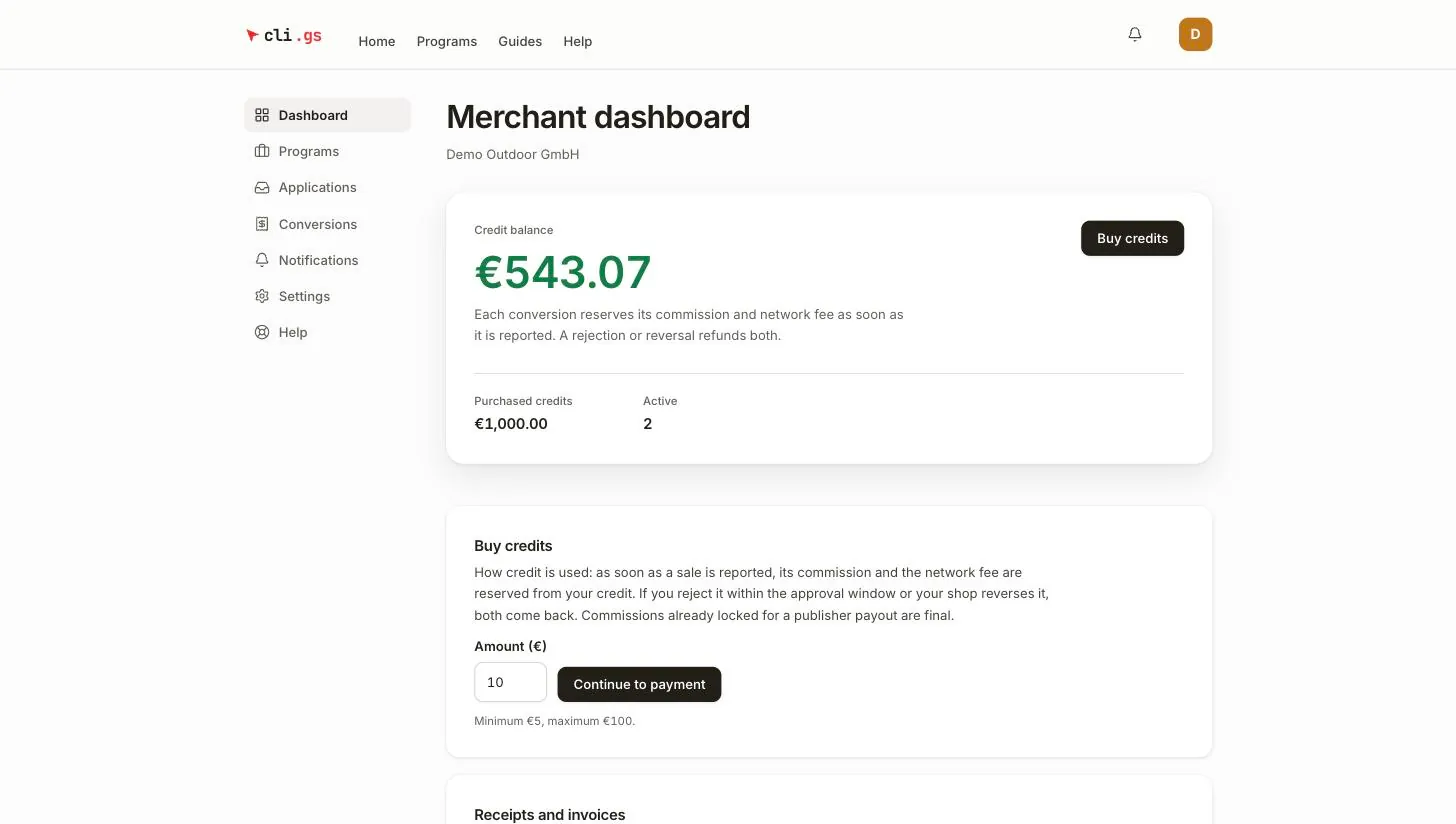
You land on the Merchant dashboard. Your credit account exists from this moment, with a balance of €0. Credit is the prepaid balance you pay commissions from; see Credit and costs.
The same person can be a merchant and a publisher at once. Each role has its own section in the navigation.
Complete your company details
Onboarding only asks for a name so that you can get started. The admin who verifies you needs more. You enter it in the Company details section at the bottom of the dashboard. The section says so itself: this is what an admin sees when verifying you.
| Field | Required | What it is for |
|---|---|---|
| Company name | yes | The name publishers see on your programmes |
| Legal name | yes | Your registered company name; it appears on receipts and invoices |
| Country (ISO, e.g. DE) | yes | Two-letter country code; decides how VAT is treated on the fee invoice |
| Billing email | yes | Where billing documents are addressed |
| Website | yes | Your company website, so the reviewer can see who you are |
| VAT ID (optional) | no | Needed for reverse charge if you are a business in another EU country |
Click Save. While details are missing, the verification notice on the dashboard tells you how many, for example "One detail still missing".
Verification by cli.gs
While you wait, the dashboard shows Verification pending. It tells you that an admin is reviewing your company and that you can create and submit programmes afterwards.
An admin can only verify a merchant whose profile is complete. The required details above are therefore the fastest way through. Verification is a deliberate check of who you are. It doesn't happen automatically at sign-up, because everything a merchant can do depends on it.
Once you're verified:
- Create a program appears on the programmes page.
- The free tier applies: one programme with one publisher. A credit balance of €100 or more removes both limits. See Credit and costs.
- You can submit programmes for review. See Create a programme.
You can top up credit before you're verified. It simply waits in your account.
If your account is suspended
cli.gs can suspend a merchant account, for example after a breach of the terms. The dashboard then shows Account suspended and tells you that your live programmes are paused.
While suspended:
- All your live programmes are paused, so their links stop working.
- You can view everything, but you can't change programmes, decide applications or conversions, or top up credit.
- Sales from clicks made before the pause can still be reported. They're paid as usual.
When the suspension is lifted, the programmes it paused go live again on their own. You don't have to resume them yourself. If you think a suspension is a mistake, contact support.