Capture the ref code
Keep the reference code from the landing page to checkout.
Every visitor who arrives through a publisher link lands on your site with a ref parameter in the URL. On this page you'll learn how to store that ref code, keep it through redirects and checkout, and save it with the order. If the code is lost, the sale can't be attributed to anyone, and it can't be recovered later.
In short:
- Store the code exactly as it arrives, in a first-party cookie for the length of your cookie window.
- Capture it before any redirect, consent banner or landing page tool runs.
- Save the code with the order at checkout. The report is often sent later, without a browser.
- Use Link check on the integration page to see whether the code reaches your site.
What arrives on your landing page
After a click, cli.gs redirects the visitor to your target URL and appends the reference code:
https://shop.example.com/boots?ref=01J9Z4K6V0QX8M2N3P5R7S9T1WABCD&utm_source=cligs&utm_medium=affiliate- The code is 30 characters long, letters and digits, and not case-sensitive. Store it exactly as it arrives: don't shorten, change or re-encode it. A code that has been altered fails its built-in check and is refused.
- We may add
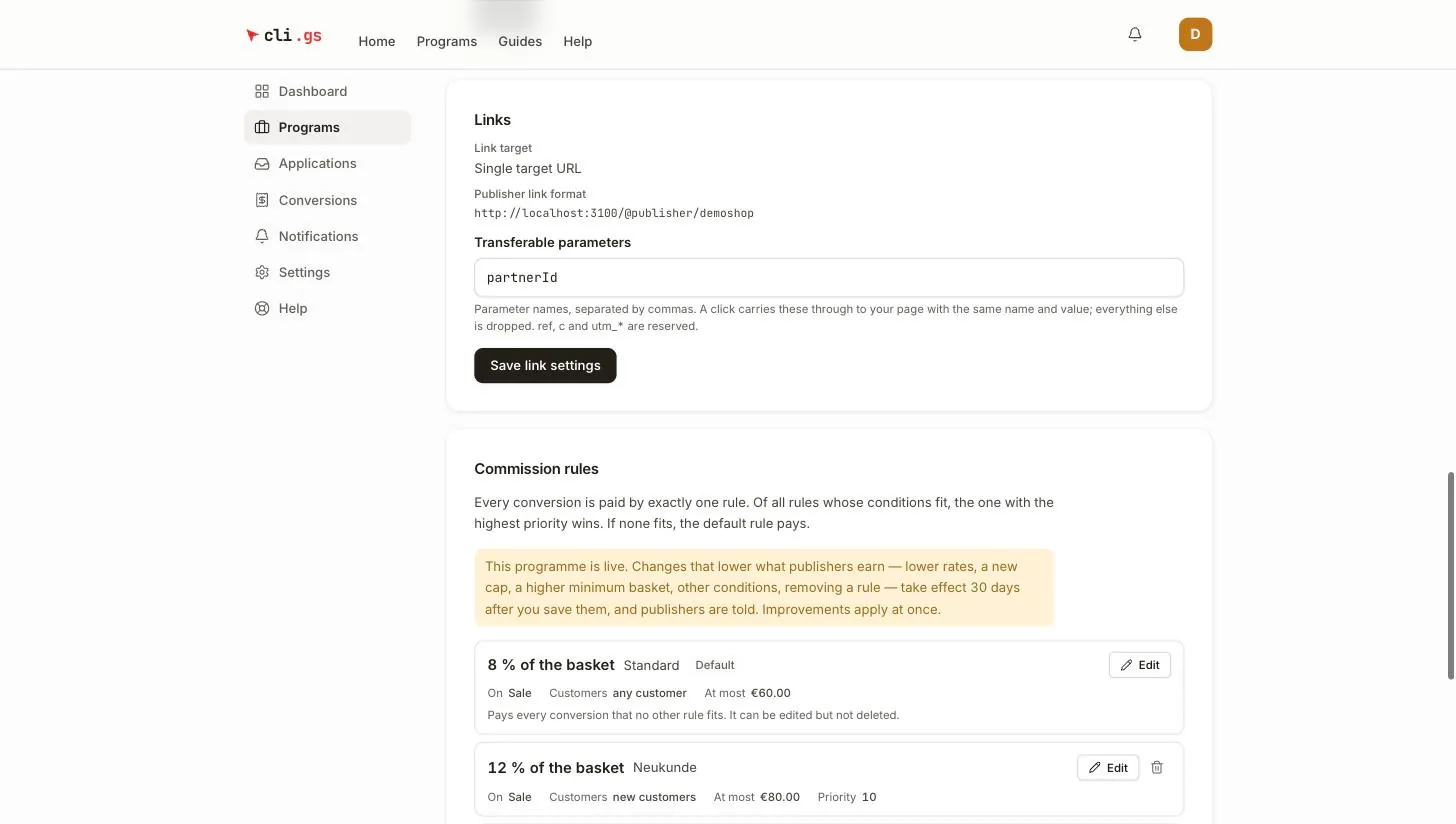
utm_*parameters as well. If you set Transferable parameters in the programme's link settings, those are passed through with the same name and value.ref,candutm_*are reserved. - If a visitor arrives again with a new
ref, replace the stored one. Attribution goes to the last click.
Store it in the browser (JavaScript)
Put this at the top of every page a link can lead to. It must run before any redirect or consent logic. It stores the code in a first-party cookie on your own domain, for as long as your cookie window lasts. The cookie window is the number of days a click stays valid; you set it in the programme.
// Landing page, as early as possible.
(function () {
  var ref = new URLSearchParams(location.search).get("ref");
  if (!ref || !/^[0-9A-Za-z]{10,64}$/.test(ref)) return;

  var days = 30; // match the programme's cookie window
  document.cookie = "cligs_ref=" + encodeURIComponent(ref)
    + ";path=/"
    + ";max-age=" + days * 24 * 60 * 60
    + ";SameSite=Lax"
    + (location.protocol === "https:" ? ";Secure" : "");
})();

// Later, e.g. in your checkout code:
function getStoredRef() {
  var m = document.cookie.match(/(?:^|;\s*)cligs_ref=([^;]+)/);
  return m ? decodeURIComponent(m[1]) : null;
}
Does your shop run on several subdomains, for example www. and checkout.? Then add ;domain=.example.com so the cookie is visible on all of them.
Store it on the server (PHP)
A cookie set by the server is more robust than one set by JavaScript. Browsers such as Safari shorten the lifetime of cookies written by scripts, and a script blocker can't stop an HTTP header. If your shop is PHP, capture the code in your front controller or a plugin:
<?php
// Run on every request, before any output.
$ref = $_GET['ref'] ?? '';
if ($ref !== '' && preg_match('/^[0-9A-Za-z]{10,64}$/', $ref)) {
    $days = 30; // match the programme's cookie window
    setcookie('cligs_ref', $ref, [
        'expires'  => time() + $days * 86400,
        'path'     => '/',
        'secure'   => true,
        'httponly' => true,   // only your server needs to read it
        'samesite' => 'Lax',
    ]);
    $_COOKIE['cligs_ref'] = $ref; // available in this request too

    if (session_status() === PHP_SESSION_ACTIVE) {
        $_SESSION['cligs_ref'] = $ref;
    }
}

function cligs_current_ref(): ?string {
    return $_SESSION['cligs_ref'] ?? $_COOKIE['cligs_ref'] ?? null;
}
A session alone usually ends when the browser closes. Use the cookie for the full cookie window, and the session only as a convenience.
Keep it through redirects and checkout
Most lost ref codes disappear in one of these places:
- Redirects before your code runs. Language, currency or "www" redirects often drop the query string. Either keep the query string on redirect, or capture the code before redirecting.
- Consent banners and landing page tools that rewrite the URL. Capture the code before they run.
- External checkouts and payment pages on another domain. The cookie on your shop's domain isn't visible there. Read the code on your side before the customer leaves, and attach it to the order.
Save the code with the order
When the order is created, save the ref code with the order, as an order field or meta value. Your conversion report is often sent later, for example when a payment provider confirms the payment in the background. At that point there is no browser and no cookie. The code must already be on the order.
Checking that it works
Once a day we open your target URL the way a visitor would. We check that the ref parameter survives your shop's redirects. The result appears as Link check on the integration page. If it reports that the ref parameter gets lost on the way, look at your redirects and consent tools first.
To check by hand:
- Open your shop with
?ref=TEST123456added to the URL. - Open the cookies in your browser's developer tools.
- Look for
cligs_ref. It should be there with that value.
Next steps
With the code saved on the order, you're ready to report conversions.